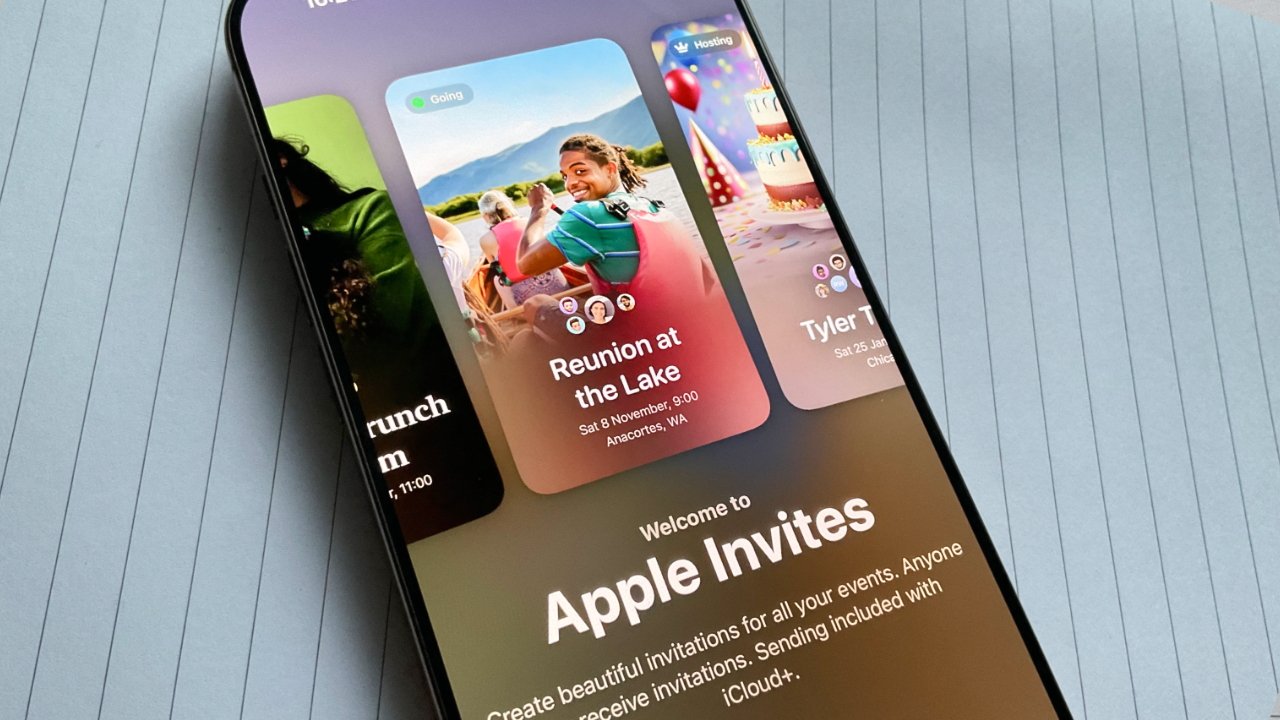
More like Apple Only-use-if-you-have-iCloud-vites.
I’m throwing a housewarming and I also subscribe to iCloud+, and at the center of that Venn diagram is Apple Invites – or so I thought.
On the surface, Invites is a very straightforward application. Pick an event name, date, and location, and you’re set. You can add additional things, like a brief description, a shared photo album (which I could see being useful), website links, and shared music playlists. In practice, I doubt people would use those if I set it up, so you always need to plan for the lowest common denominator, or as some would say, KISS (Keep It Simple, Stupid).
I did just that. I created my event, picked a date/time, gave my address, and added a little photo of my dining room for some flair. A great invite, I thought. And, Apple claims it’s a cross-platform application. Doesn’t matter if you have an iPhone or Android, just text over the invite using the handy-dandy “Invite Guests” feature (with per-person custom links and all), and It Just Works™.

Only later did I find out that recipients require an iCloud account to RSVP or even see the address. For Invites’ “public links” (with optional guest pre-approval) that would make sense to me, I suppose. But for custom links that can only be used by a specific person, we really need to make them sign in too? No “RSVP without account” type deal?
I had several people text me that they either had issues logging in with their iCloud account or just did not have one at all, and verbally RSVPed to me. Surely, surely, Apple must have thought of that scenario. Except, they didn’t! While Invites will display a list of everyone that was invited (assuming you used your contacts to do so, or somebody used a public link with an iCloud account), you cannot manually change someone’s status. So, if my buddy Jack doesn’t have iCloud but wants to RSVP, I can’t tell Invites that he actually is coming or not – my only option is to remove him from the guest list.
Invites also allows guests (assuming they authenticate with iCloud!) to leave a note when they RSVP. It seems most people assume this is a private note, but anyone can see the guest list and the notes people left. This is an issue for friends that will leave a joke for you, but one that might be severely misinterpreted by the rest of the guests. At least the entire invite list isn’t shown, only those who have RSVP’d, although it wouldn’t surprise me if they had.

I do appreciate that Invites will send reminder emails a few days before the event. People will be prompted to RSVP if they have not already. You can also send a note to all the guests, maybe advising them of a parking situation or similar. These notes send an email to guests as well, except it makes them sign in to view the note. This is not a bank, we don’t need to hide state secrets behind a verification wall – not to mention users already had to verify when they RSVPed.
I think that was the straw that broke the camel’s back for me, and I’m writing Invites off as a failure. Until Apple gets it together and incorporates some mind-numbingly basic functionality, such as manually adding guests to the RSVP’d list, not requiring authentication when a custom link is already being generated, and some basic privacy/obfuscation features like hiding the guest list or at least their notes, I will be taking my party-planning business elsewhere, or I’ll do it the old fashioned way and send a text.
Comments
Post a Comment